
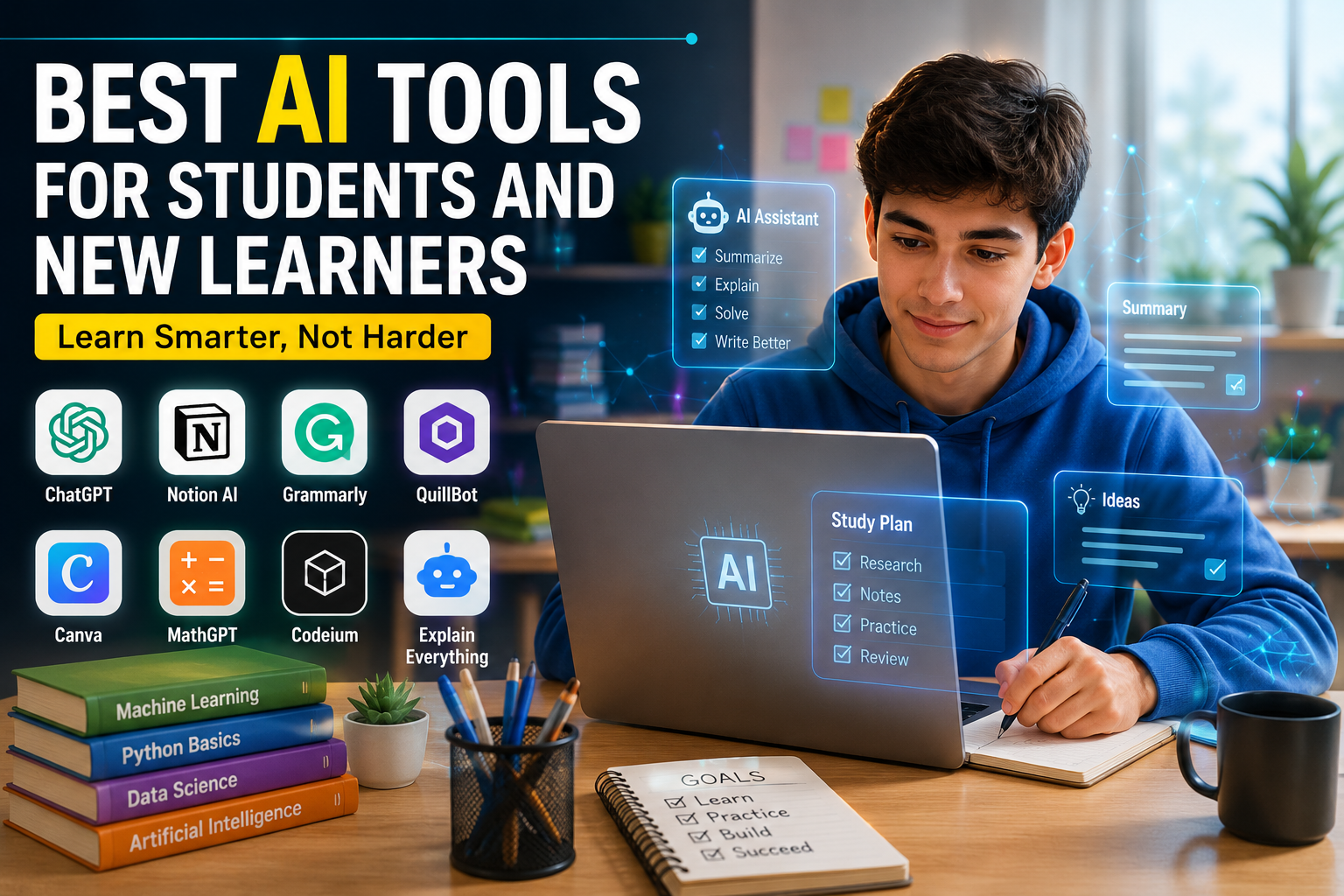
Best AI Tools for Students and New Learners
Online learning is growing rapidly and AI has now become an important part of modern education.
But for new learners in ai tools , it becomes difficult to understand which tool to use when seeing so many AI tools.in its work. or ai tools is much important in daily live
The point is not to try every tool, but to choose the right one according to your needs.
This guide is about those simple and useful AI tools that are improving students’ learning.
List
1. Notes and information management tools
2. Writing improvement tools of ai
3. Calculation and coding tools
4. Presentation and media creation tools
5. Easy comparison of the best tools
-
Notes and information management tools
When you have a lot of:
• PDF
• Notes
• Slides
• Research files
Collected together, ordinary folders are not enough.
These tools work like an intelligent digital brain.
NotebookLMThis is a very popular tool from Google.
Its special feature is that it only responds to the files you upload.
This reduces the chances of getting wrong information.Its special features
• Creates a quick summary
• Extracts important definitions
• Also shows the original page and lineThe most special feature
It turns your notes into an audio podcast.
That is, two AI people talk about your lesson so that you can listen and read.You Learn
This tool makes studying more interactive.
📌 Example:
File upload ➜ AI ➜ Notes + Flashcards + Quiz + Chat
Its special featuresFrom a single file it creates:
• Notes
• Flashcards
• MCQs
• Practice tests
.It also finds your weaknesses2. Writing Improvement Tools of ai
Grammar, tone, and style are very important when writing a research paper or assignment.in your personal work
These tools make your writing more clear and professional. in this tool writting improve tool or other ai tools are improve you writtingGrammarly
and
QuillBot
They improve not only spelling but also the entire writing.
📌 Example:
Simple Draft ➜ AI ➜ Professional Writing
What does Grammarly do?
• Corrects grammar
• Improves formal style
• Simplifies difficult sentencesWhat does QuillBot do?
- Rewrites sentences in a better way
• Creates citations
• Helps with MLA, APA, and Chicago Style
3. Math and Coding Tools
Science and math essays often contain difficult formulas.
These tools make these problems easier.Photomath
It helps solve math questions
How does it work?
You take a picture of the question and it:
• Shows the solution step by step
• Explains each step
• Tells the formula📌 Example:
x^2+5x+6=0
It explains the entire way to solve the question
AskCodi
This is a very useful tool for new programmers.
Its highlights
• Finds code errors
• Tells why the error occurred
• Helps you write better code
4. Presentation creation tools
Creating a presentation takes a lot of time.
These tools make this task easier.
Gamma AI
This is an automated presentation creation tool
What does it do?
You just write the topic and it:
• Slides
• Design
• Colors
• Layout
It creates it yourself.
You can also make changes later if you want.
5. Easy comparison of the best tools
What is the tool best for? Ease of use
NotebookLM makes notes and PDF audio podcasts very easy
YouLearn makes flashcards and quizzes many things from one file easy
Grammarly makes improving writing professional style very easy
Photomath solves math questions from pictures very easy
AskCodi catches coding errors immediately Medium
Gamma AI presentation automatic slide design easy
Conclusion
AI tools for students:
• Make studying easier
• Save time
• Improve notes
• Explain math and coding
• Make presentations faster
If used correctly, these tools are very helpful in student success
-
Long-term benefits and future of AI comes sucess in work
The education system has changed a lot in 2026.and more easier in for work .
Previously, people worried that AI would increase copying,but ai is updated in 2026 more advance . but now more attention is being paid to how AI can make students more intelligent and organized.student can easier to learn its work or more time save its very execellent benifit .
Research has shown that students who use AI as a study assistant learn better than ordinary students.
AI reduces stress on the brain
Students often get tired in school because they have to:
- Find information
- Organize notes
- Make a schedule
These tasks take a lot of brain power.
AI makes this difficult task easier so that students can focus on actual understanding and memorization.
Using AI correctly in the future
Schools and universities are now using AI, but it is the responsibility of students to use it correctly and honestly.
The real goal is not for AI to do all the work, but rather:
- Students can understand better
- Think more
- Learn new skills
What should be learned from AI?
Students should learn from AI:
- How to solve problems
- How to check information
- How to ask better questions
This way, students are prepared for the modern world of the future.no in our world .
-
Frequently Asked Questions (FAQ) is the student for important tools in ai
Question 1: Is studying with AI considered copying why to do ?
Answer:
It depends on how you use AI.
If you copy and paste the entire homework or exam from AI, it is wrong.
But if you use AI to:
- Understand difficult things
- Make notes
- Make flashcards
- Improve your writing
then it is a correct and useful use in your persnol or professinoal work
Question 2: How to avoid misinformation and ai tools ?
Answer:
It is better to use tools that only respond to your files.
For example:
NotebookLM
In this, you upload your PDF and notes, then AI responds to those files.
This reduces the chances of getting wrong information but or more tools is better then your work related
Question 3: Can AI help students with ADHD or Dyslexia student can easier learn or not ?
Answer:
Yes, very much it can easier learn .
AI can make studying easier for such students.
For example:
- Converts difficult text into voice
- Divides large tasks into small, easy parts
- Gives reminders
This makes studying feel less difficult.
Question 4: Are these tools free of cost ai tools ?
Answer:
Yes, most AI tools have a free of cost version or more tools mare following .
For example:
- Google Gemini
- NotebookLM
- Grammarly
- QuillBot its very better tools for other detector tools
All of these offer basic features for free.
- 8. Final Summary
AI has changed the way of studying
Now instead of just reading books over and over again, students:
- Summarize notes
- Use flashcards
- Listen to audio lectures
- Ask questions to AI
This makes studying easier and faster.
Real benefits of AI
AI:
- Saves time
- Organizes notes
- Makes difficult things easier
- Improves exam preparation
- Reduces mental stress
But the real success comes when the student himself uses AI with hard work and understanding.
If AI is used like a helpful teacher, it can make students more successful, intelligent and confident
Best AI Tools for Photo and Video Creation is grok
The modern world has review a lot in the past few years.todays , you don’t need an expensive camera, a large team, or complicated software to create beautiful photos and professional videos. as you wish
Modern AI tools of 2026 have made the work much easier for ordinary people, bloggers, YouTubers, and marketing teams.
Now, by just writing a simple text, you can create:
• Photos
• Videos
• Presentations
• Social media clips
.
This guide is about the best AI tools that help you create photos and videos.
List
1. Photo creation and editing tools is better
2. Text-to-video tools grok is best option
3. Social media video creation tools this crector is so good
4. AI avatar and presenter tools
5. Comparison of the best tools
1. Photo creation and editing tools
Today’s modern AI tools can create not only cartoon art but also realistic images.
These:
• Lighting
• Colors
• Background
• Faces
• Writing
are very realistic.
Midjourney
and
Flux
are both very popular AI image tools.
📌 Example:
Write text ➜ AI ➜ 4K image ready
Midjourney’s highlight
• Lifelike images
• Beautiful colors
• Professional photo-like style
It is especially good for:
• Posters
• Blog thumbnails
• Artwork
Flux’s highlight
It can also make writing in images well.For example:
• Signboards
• Brand logos
• Product names
Can be written in the correct way
Nano Banana Pro
This is a useful tool for e-commerce and marketing
Special features
• Creating product photos
• Creating advertising images
• Creating different versions of the same design
2.Tools for creating videos from text
Now AI can not only create images but also complete videos
Google Veo
and
Sora
are modern video creation tools
The special feature of Google Veo
It also understands camera movement.For example, you can write:
• Slow Zoom
• Camera Pan
• Cinematic Shot
and it creates such a video
The special feature of Sora
It creates realistic movement and atmosphere.For example:
• Water movement
• Light
• People movement
Shows very close to reality
Seedance 2
and
Kling 3
These are high-speed video creation tools
The special feature of Kling 3
It converts images into moving videos.For example:
Image ➜ AI ➜ Animated Video
3. Social Media Video Creation Tools
Creating social media videos takes a lot of time.These tools do all the work themselves
InVideo AI
This is a fully automated video creation tool
📌 Example:
Article or Script ➜ AI ➜ Full Video
What does it do?• Writes scripts
• Inserts video clips
• Adds audio
• Creates captions
Everything automatically
OpusClip
and
Vizard
These convert long videos into short clips
Their special features
For example, if you upload a long video, it:
• Finds important parts
• Creates short videos
• Adds captions
• Converts to mobile size
4. AI Avatar and Presenter Tools
Now videos can be created even without a camera.AI creates human-like digital characters
HeyGen
and
Synthesia
are digital avatar creation tools
HeyGen Highlights
• Video in different languages
• Lip syncing
• Realistic human
Synthesia Highlights
It is mostly used in creating educational and business videos.It has many ready-made avatars
-
Easy comparison of the best tools
Tool Actual task Most important Who is best for
Flux Create a picture Clear writing image Blogger and designer
Google Veo Create a video Cinematic video Film and video creator
Kling 3 Make a video from a picture Smooth animation Social media creator
InVideo AI Automatic video Creates a complete video yourself YouTuber and marketer
HeyGen AI avatars in different languages Video marketing team
OpusClip Short clips Makes long videos into shorts Podcaster and editor
Conclusion
AI tools have made creating pictures and videos very easy.Now even ordinary people can create:
• Professional photos
• Social media videos
• Presentations
• AI avatar videos
without expensive software.If the right tool is used for the right job, a lot of time can be saved and better content can be produced.