
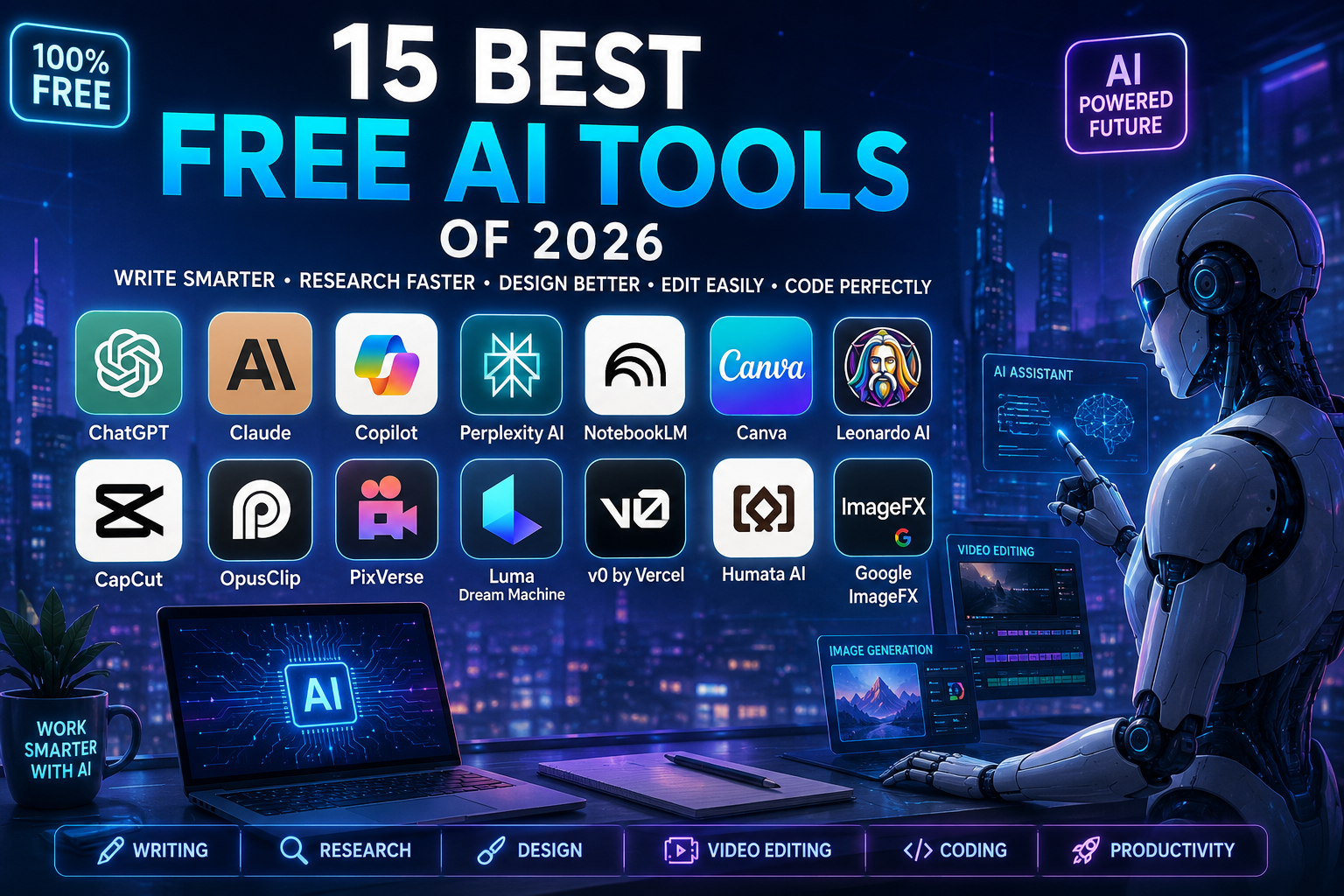
15 Best Free AI Tools of 2026
The world of AI has changed a lot.
Tools that used to be available only for a fee are now available for free.
In 2026, you no longer need to take out an expensive subscription to do things like in work for only ai tools
• Writing improve in ai tools
• Research in google
• Video editing in with the help of ai tools
• Photography in ai tool
• Designing in calligraphy
But with so many tools, it can be difficult to make the right choice in your work for best .
That’s why this guide is about the best free AI tools.following list you can see deep ;
List of folloeing ai tools .
1. Chat and Writing AI Tools is best option
2. Research and Notes Tools help of chatgpt
3. Photo and Design Tools is best option
4. Video Editing Tools its better
5. Comparison of the Best Tools ai
1. Chat and Writing AI Tools
Every good job starts with a good AI assistant.yes thats right
These toolsis following ai tools :
• Answer questions in meta
• Help with writing in ai tools
• Give ideas in geimini2
• Explain coding chatgpt
ChatGPT
It is one of the most popular AI tools in the world.or that all ai tools but this tool is better then all tools
What is it good for?
• Generating ideas
• Writing emails
• Asking questions
• Understanding images or files
The most special feature
It also has voice chat.
You can also talk to AI by speaking.
Claude
If you want long and natural writing, this is a great tool.
What is it good for?
• Writing articles
• Creating essays
• Understanding difficult code
• Reading large files
Special thing
It also remembers long information easily.
Microsoft Copilot
It uses AI and Internet search together.
What is it good for?
• Breaking News
• Web Search
• Image Creation
• Information Search
Special Feature
It provides answers with web links so that information can be checked.
2. Research and Notes Tools
When a lot of information is collected, these tools help.
Perplexity AI
It provides answers in a simpler way than a normal search engine.
📌 Example:
Question ➜ AI Search ➜ Complete Answer + Reference
Special Feature
It also provides a link to the original website with each answer
NotebookLM
This is a very useful study tool from Goog
What is it good for
- Understanding PDF
- Organizing Note
- Exam Preparation
Most Special Feature - It converts your notes into audio podcasts
Humata AI
It helps you understand large PDF files quickly
Its special feature
It also shows the original part of the PDF along with the answer
3. Image and design tools
Now you don’t have to be a professional editor to create beautiful designs
Google ImageFX
This is a free tool that creates realistic images
What is it good for?• Blog images
• Social media posts
• Creative designsSpecial feature
It changes the style of the image with one click
Leonardo AI
This is the best tool for designers and game artists
📌 Example:
Text ➜ AI ➜ Professional images
Special feature
Gives free Tokens daily so you can create images
Canva
This is a very simple designing tool
What is it good for?
Poster
• Presentation
• Banner
• Social Media Design
Most Special Feature
Magic Edit can change part of the image
4. Video Editing Tools
Video editing takes a lot of time, but AI makes it easy
OpusClip
It converts long videos into short clips
Special Feature
• Finds important parts
• Creates shorts
• Adds automatic captions
CapCut
This is a very popular video editing tool
What is it good for?• Short videos
• Remove background
• Create captions
Special Feature
It creates automatic subtitles in many languages
PixVerse
It creates videos from text and images
Special Feature
Things in the video look real and are not distorted
Easy comparison of the best tools
Tools Real work Most important Who is best for
ChatGPT Question and write Voice chat for everyone
Claude Long writing Natural style writer
Perplexity AI Research answer with reference Students
Google ImageFX Photo creation Realistic image Blogger
Canva Design Easy Drag & Drop Beginners
CapCut Video editing Auto Caption
Best Free AI Video Tools and Editors
No longer is it necessary to have an expensive studio or complicated editing software to make good videos or more ai tools are better option editing software . In 2026, AI video tools have made the job a lot easier and its goodfor job . Now you can create videos by just writing text, adding subtitles, and doing the editing automaticallywith the help of ai tools
12. CapCut (AI Features)
CapCut is a very popular video editing app that has now become even more powerful with AI features in 2026 capcut is batter option for video editing
How does it work in capcut ?
The AI in CapCut automatically:
• Creates subtitles
• Converts audio to text
• Removes background
• Translates videos into different languages
Who is it best for?
• TikTok creators
• YouTube Shorts creators
• Social media marketers
Why do people love it?
Its free version provides many advanced tools and does not even put a big watermark on the video.
13. Luma Dream Machine
If you want to create cinematic videos by just writing text, then Luma Dream Machine is the best tool.
How does it work in lumadream machine ?
You write the details of the scene, like:
“An astronaut is slowly walking through an alien market”
The AI creates a realistic video in a few minutes.
Who is it best for ?
- Creative filmmaking
• Video backgrounds
• Mood board ideas
Why do people love it?
It also allows free users to generate high-quality video.
Best Free AI Writing and Coding Tools
AI tools have made both coding and writing much easier.
-
v0 by Vercel
v0 by Vercel is a very powerful AI tool for web developers.
How does it work?
You tell it in English what kind of webpage you want, for example:
“Create a profile page with dark mode”
The AI immediately creates React or Next.js code.
Who is it best for create profile ?
• Web developers
• UI designers
• Beginners learning coding
Why do people love it?
It creates ready-made frontend code very quickly.
15. NotebookLM (Google)
NotebookLM is a smart study and research tool.
How does it work?
You upload:
• PDFs
• Notes
• Slides
• Documents
, then AI answers questions from those files.
Who is it best for?
• Students
• Researchers
• Writers
Why do people love it?
It also converts your notes into podcast-like audio so you can listen and read.
Easy Comparison Table in ai tools Tool Best Use Free Limit
Perplexity AI Research Daily limit daily limit is good
v0 by Vercel Website coding Monthly tokens 1 token is good
NotebookLM Notes and research 50 uploads
ElevenLabs Voice generation 10,000 characters
CapCut AI Video editing Some premium limits are not unlimited option
Easy Summary of all artical
If you use AI tools smartly, you can see following :
• Create great videos in grok tool
• Make coding easier in chatgpt
• Do research faster google
• Convert notes to audio in translator
For example:
• Do research with Perplexity its better
• Save notes in NotebookLM its good
• Create a website with v0 its execellent
• Edit videos with CapCut its good option edit video editing
All these tools save your time and make your work easier in ai tools save your time or more benifit
Frequently Asked Questions (FAQs)
Are Free AI Tools Secure?
It depends on which platform you are using. Some free AI tools can use your prompts and data for future AI training.
If you:
• business data
• private files
• medical information
• passwords
It may not be secure if you put it into the AI.
But some tools like NotebookLM are more secure because they keep your documents in a private notebook.
Why do companies give away such great AI tools for free?
Most companies give away free tools so that:
• more people use their platform
• they can improve their AI
• people will buy the paid version in the future
When people start using a tool daily, the chances of getting premium features later increase.
Can Free AI Images and Audio be used in business?
It depends on the rules of each platform.
Some tools allow you to in social media
• YouTube videos in use
• Blogs in mostly used
• Marketing projects in it
Use AI content in your projects. mostly allow ai content :
But some platforms only allow personal use. So be sure to read their Terms of Service before using them.
Will these Free AI Tools always be free?
The basic version of most tools may remain free, but features may change over time.
Example:
Today a feature is free:
Tomorrow it becomes premium
That is why it is better to learn more than one tool so that if one becomes limited, you can use another.
Conclusion in ai tools
In 2026, AI has made powerful digital tools accessible to every human. Now, tasks like:
• coding is used for everything
• video editing in mostly used for capcut
• research in google
• graphic design in laptop
• voice generation in ai tools
Can be done without expensive software.
The real success lies in combining different AI tools to create a smart work smart wok is better then hard work . Let AI do the boring and repetitive work so that you can focus .
Final Summary
In today’s era, AI tools have changed the way we work. Now with the help of free platforms:
• Research is faster
• Videos are created easily
• Coding is faster
• Writing is better
Tools like Perplexity and NotebookLM help in research, while CapCut and ElevenLabs make content creation easier. Similarly, tools like v0 by Vercel make coding faster and easier.
But when using AI:
• Take care of privacy
• Do not share sensitive data
• Read the rules of each platform
If you use these tools correctly, you can become more productive in less time and grow your projects better.
15 Best Free AI Tools of 2026
The world of AI has changed a lot.
Tools that used to be available only for a fee are now available for free.
In 2026, you no longer need to take out an expensive subscription to do things like in work for only ai tools
• Writing improve in ai tools
• Research in google
• Video editing in with the help of ai tools
• Photography in ai tool
• Designing in calligraphy
But with so many tools, it can be difficult to make the right choice in your work for best .
That’s why this guide is about the best free AI tools.following list you can see deep ;
List of folloeing ai tools .
1. Chat and Writing AI Tools is best option
2. Research and Notes Tools help of chatgpt
3. Photo and Design Tools is best option
4. Video Editing Tools its better
5. Comparison of the Best Tools ai
1. Chat and Writing AI Tools
Every good job starts with a good AI assistant.yes thats right
These toolsis following ai tools :
• Answer questions in meta
• Help with writing in ai tools
• Give ideas in geimini
• Explain coding chatgpt
ChatGPT
It is one of the most popular AI tools in the world.or that all ai tools but this tool is better then all tools
What is it good for?
• Generating ideas
• Writing emails
• Asking questions
• Understanding images or files
The most special feature
It also has voice chat.
You can also talk to AI by speaking.
Claude
If you want long and natural writing, this is a great tool.
What is it good for?
• Writing articles
• Creating essays
• Understanding difficult code
• Reading large files
Special thing
It also remembers long information easily.
Microsoft Copilot
It uses AI and Internet search together.
What is it good for?
• Breaking News
• Web Search
• Image Creation
• Information Search
Special Feature
It provides answers with web links so that information can be checked.
2. Research and Notes Tools
When a lot of information is collected, these tools help.
Perplexity AI
It provides answers in a simpler way than a normal search engine.
📌 Example:
Question ➜ AI Search ➜ Complete Answer + Reference
Special Feature
It also provides a link to the original website with each answer
NotebookLM
This is a very useful study tool from Google
What is it good for?
- Understanding PDF
• Organizing Notes
• Exam Preparation
Most Special Feature
It converts your notes into audio podcasts
Humata AI
It helps you understand large PDF files quickly
Its special feature
It also shows the original part of the PDF along with the answer
3. Image and design tools
Now you don’t have to be a professional editor to create beautiful designs
Google ImageFX
This is a free tool that creates realistic images
What is it good for?• Blog images
• Social media posts
• Creative designsSpecial feature
It changes the style of the image with one click
Leonardo AI
This is the best tool for designers and game artists
📌 Example:
Text ➜ AI ➜ Professional images
Special feature
Gives free Tokens daily so you can create images
Canva
This is a very simple designing tool
What is it good for?
- Poster
• Presentation
• Banner
• Social Media DesignMost Special Feature
Magic Edit can change part of the image
4. Video Editing Tools
Video editing takes a lot of time, but AI makes it easy
OpusClip
It converts long videos into short clips
Special Feature
• Finds important parts
• Creates shorts
• Adds automatic captions
CapCut
This is a very popular video editing tool
What is it good for?• Short videos
• Remove background
• Create captionsSpecial Feature
It creates automatic subtitles in many languages
PixVerse
It creates videos from text and images
Special Feature
Things in the video look real and are not distorted
Easy comparison of the best tools
Tools Real work Most important Who is best for
ChatGPT Question and write Voice chat for everyone
Claude Long writing Natural style writer
Perplexity AI Research answer with reference Students
Google ImageFX Photo creation Realistic image Blogger
Canva Design Easy Drag & Drop Beginners
CapCut Video editing Auto Caption
Best Free AI Video Tools and Editors
No longer is it necessary to have an expensive studio or complicated editing software to make good videos or more ai tools are better option editing software . In 2026, AI video tools have made the job a lot easier and its goodfor job . Now you can create videos by just writing text, adding subtitles, and doing the editing automaticallywith the help of ai tools
12. CapCut (AI Features)
CapCut is a very popular video editing app that has now become even more powerful with AI features in 2026 capcut is batter option for video editing
How does it work in capcut ?
The AI in CapCut automatically:
• Creates subtitles
• Converts audio to text
• Removes background
• Translates videos into different languages
Who is it best for?
• TikTok creators
• YouTube Shorts creators
• Social media marketers
Why do people love it?
Its free version provides many advanced tools and does not even put a big watermark on the video.
13. Luma Dream Machine
If you want to create cinematic videos by just writing text, then Luma Dream Machine is the best tool.
How does it work in lumadream machine ?
You write the details of the scene, like:
“An astronaut is slowly walking through an alien market”
The AI creates a realistic video in a few minutes.
Who is it best for?
- Creative filmmaking
• Video backgrounds
• Mood board ideas
Why do people love it?
It also allows free users to generate high-quality video.
Best Free AI Writing and Coding Tools
AI tools have made both coding and writing much easier.
- v0 by Vercel
v0 by Vercel is a very powerful AI tool for web developers.
How does it work?
You tell it in English what kind of webpage you want, for example:
“Create a profile page with dark mode”
The AI immediately creates React or Next.js code.
Who is it best for create profile ?
• Web developers
• UI designers
• Beginners learning coding
Why do people love it?
It creates ready-made frontend code very quickly.
15. NotebookLM (Google)
NotebookLM is a smart study and research tool.
How does it work?
You upload:
• PDFs
• Notes
• Slides
• Documents
, then AI answers questions from those files.
Who is it best for?
• Students
• Researchers
• Writers
Why do people love it?
It also converts your notes into podcast-like audio so you can listen and read.
Easy Comparison Table in ai tools Tool Best Use Free Limit
Perplexity AI Research Daily limit daily limit is good
v0 by Vercel Website coding Monthly tokens 1 token is good
NotebookLM Notes and research 50 uploads
ElevenLabs Voice generation 10,000 characters
CapCut AI Video editing Some premium limits are not unlimited option
Easy Summary of all artical
If you use AI tools smartly, you can see following :
• Create great videos in grok tool
• Make coding easier in chatgpt
• Do research faster google
• Convert notes to audio in translator
For example:
• Do research with Perplexity its better
• Save notes in NotebookLM its good
• Create a website with v0 its execellent
• Edit videos with CapCut its good option edit video editing
All these tools save your time and make your work easier in ai tools save your time or more benifit
Frequently Asked Questions (FAQs)
Are Free AI Tools Secure?
It depends on which platform you are using. Some free AI tools can use your prompts and data for future AI training.
If you:
• business data
• private files
• medical information
• passwords
It may not be secure if you put it into the AI.
But some tools like NotebookLM are more secure because they keep your documents in a private notebook.
Why do companies give away such great AI tools for free?
Most companies give away free tools so that:
• more people use their platform
• they can improve their AI
• people will buy the paid version in the future
When people start using a tool daily, the chances of getting premium features later increase.
Can Free AI Images and Audio be used in business?
It depends on the rules of each platform.
Some tools allow you to in social media
• YouTube videos in use
• Blogs in mostly used
• Marketing projects in it
Use AI content in your projects. mostly allow ai content :
But some platforms only allow personal use. So be sure to read their Terms of Service before using them.
Will these Free AI Tools always be free?
The basic version of most tools may remain free, but features may change over time.
Example:
Today a feature is free:
Tomorrow it becomes premium
That is why it is better to learn more than one tool so that if one becomes limited, you can use another.
Conclusion in ai tools
In 2026, AI has made powerful digital tools accessible to every human. Now, tasks like:
• coding is used for everything
• video editing in mostly used for capcut
• research in google
• graphic design in laptop
• voice generation in ai tools
Can be done without expensive software.
The real success lies in combining different AI tools to create a smart work smart wok is better then hard work . Let AI do the boring and repetitive work so that you can focus .
Final Summary
In today’s era, AI tools have changed the way we work. Now with the help of free platforms:
• Research is faster
• Videos are created easily
• Coding is faster
• Writing is better
Tools like Perplexity and NotebookLM help in research, while CapCut and ElevenLabs make content creation easier. Similarly, tools like v0 by Vercel make coding faster and easier.
But when using AI:
• Take care of privacy
• Do not share sensitive data
• Read the rules of each platform
If you use these tools correctly, you can become more productive in less time and grow your projects better.